









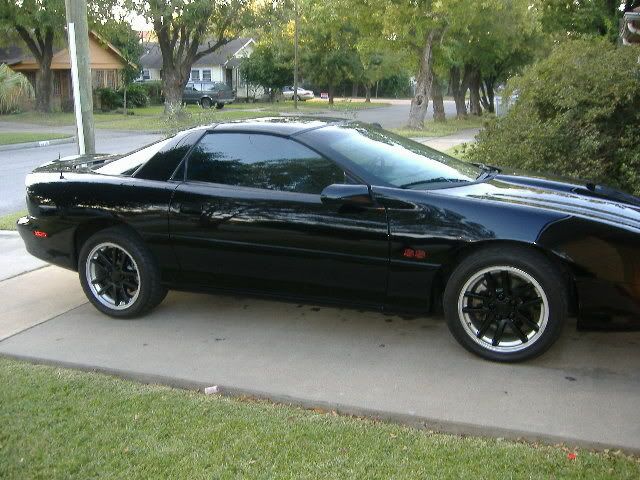
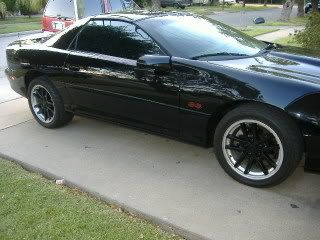
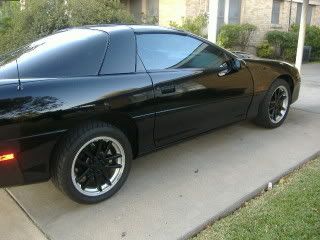
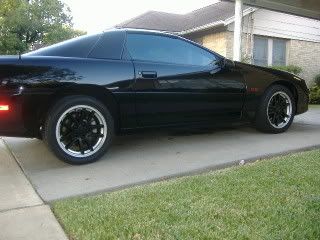
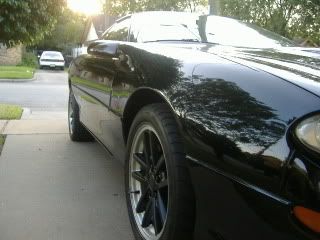






PHOTOSHOP, put them HERE

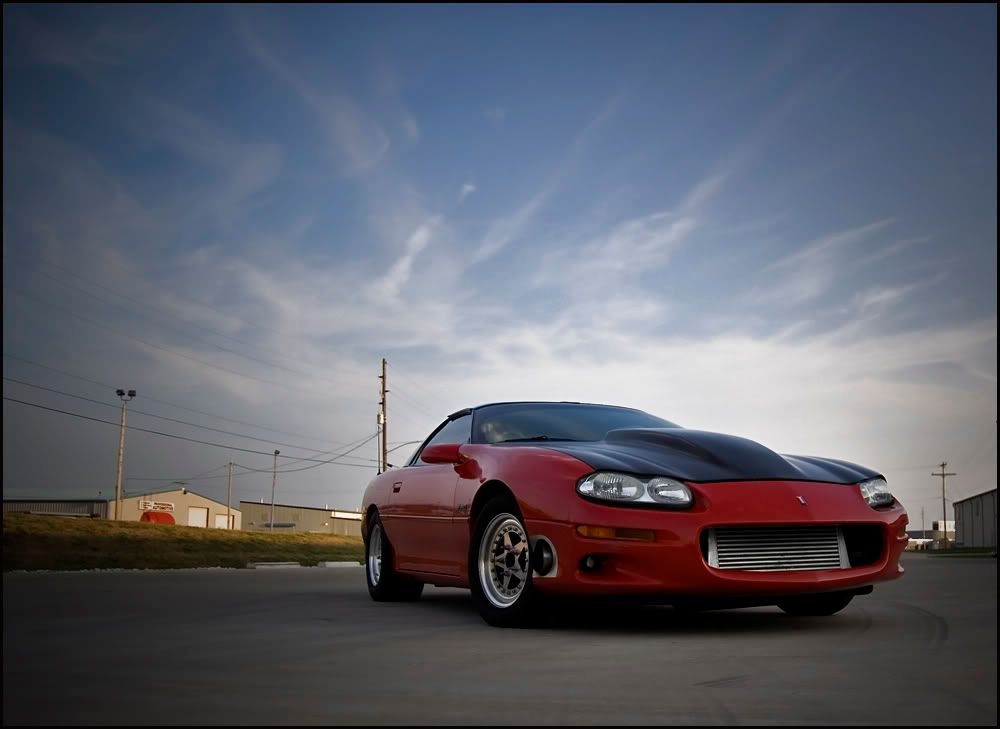
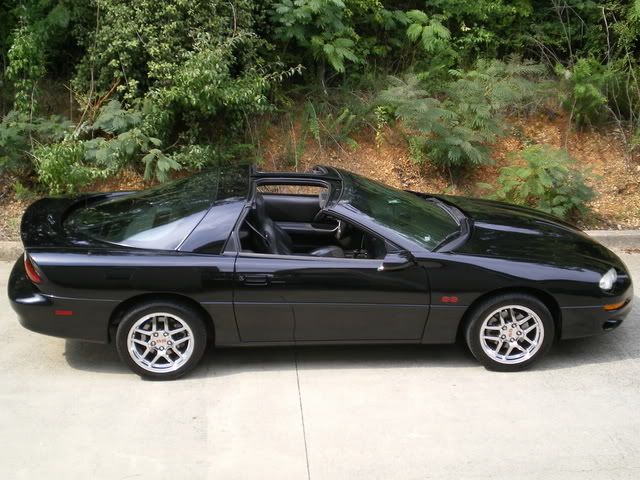
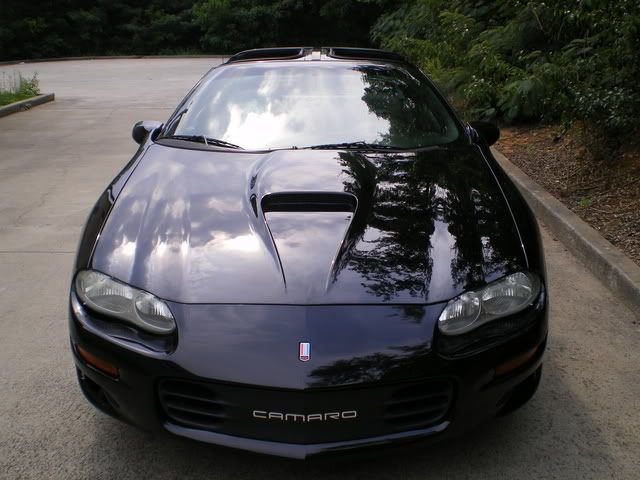
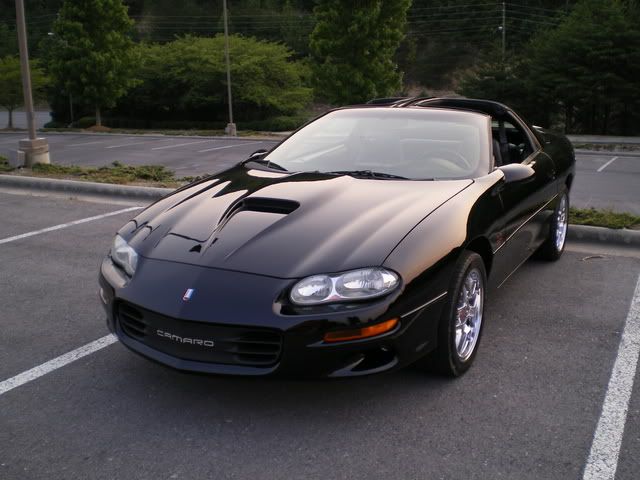
can someone please potoshop my hood so that its the same color as my car??? I'm getting it painted soon and can't wait.
also can you photoshop another one with a black stripe or something on the side of the cowl? Thanks in advance
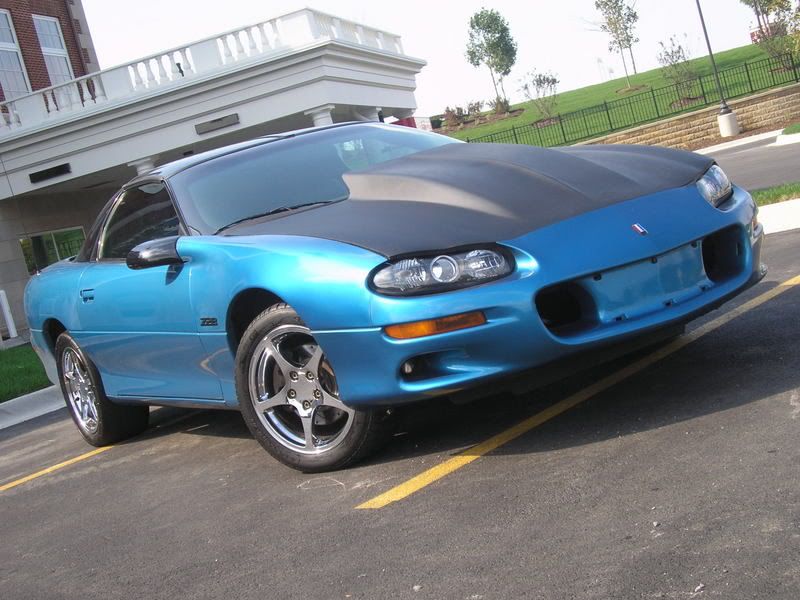
also can you photoshop another one with a black stripe or something on the side of the cowl? Thanks in advance
LS1 Tech Stories
The Best V8 Stories One Small Block at Time

Gas Monkey Built a 6-Wheel Ferrari Testarossa With a Corvette LT4 Engine
Verdad Gallardo
7 Most Reliable High-Performance Engines GM Has Ever Built
Verdad Gallardo
Amazing '71 Camaro Restomod Is Modern Muscle Car Under the Skin
Verdad Gallardo
6 Common C5 Corvette Failures and What's Involved In Repairing Them
Pouria Savadkouei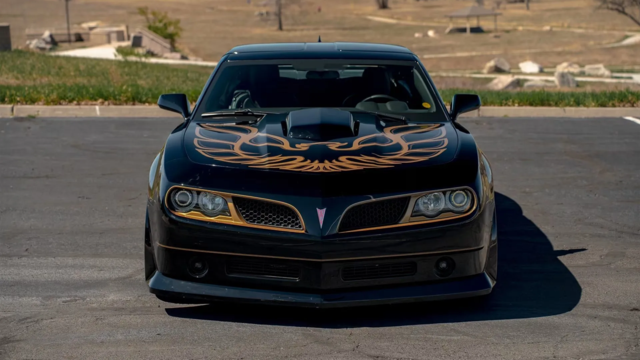
Retro Modern Bandit Pontiac Trans AM Comes With Burt Reynolds' Autograph
Verdad Gallardo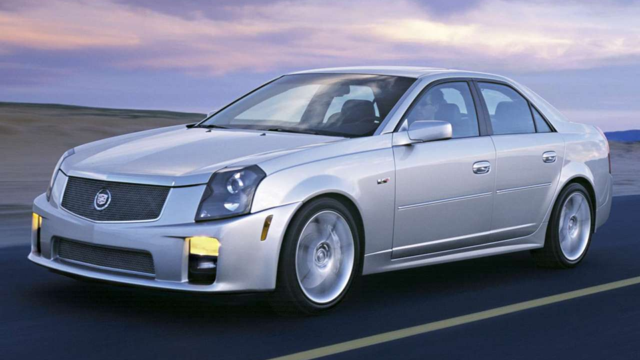
Top 10 Greatest Cadillac V Series Performance Models Ever, Ranked
Pouria Savadkouei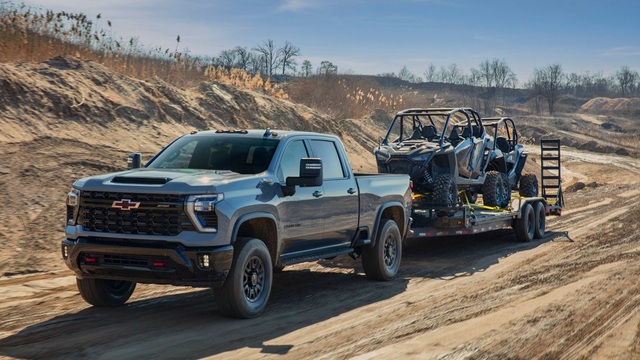
Top 10 Most Powerful Chevy Trucks Ever Made!
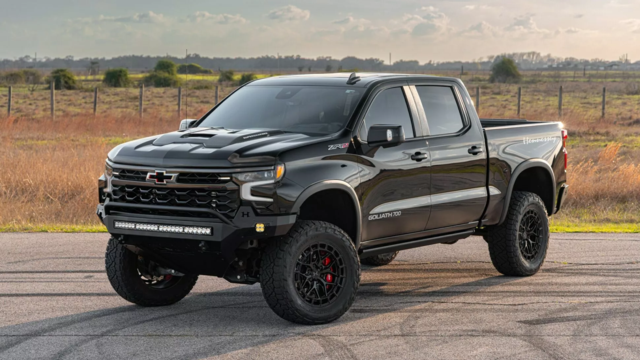
Hennessey's New Supercharged Silverado ZR2 Has 700 HP
Verdad Gallardo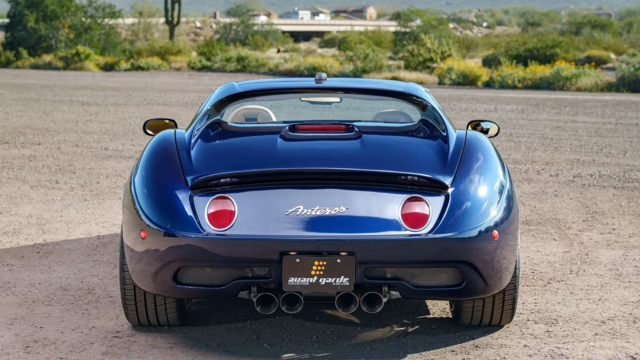
Coachbuilt N2A Anteros Is an LS2-Powered C6 Corvette In Italian Clothes
Verdad Gallardo


 .. Thanks.

12 Second Club
Joined: Jun 2007
Posts: 275
Likes: 0
i would really like to have a sig but i dont know how to upload a pic of my car. can someone help me this is the site my car is on. http://www.streettostrip.com/compone...ose/Itemid,86/ it's the pewter ss in test n tune 9/21/07. if that wont work let me know what i can do to make my sig. Thanks for your help

i would really like to have a sig but i dont know how to upload a pic of my car. can someone help me this is the site my car is on. http://www.streettostrip.com/compone...ose/Itemid,86/ it's the pewter ss in test n tune 9/21/07. if that wont work let me know what i can do to make my sig. Thanks for your help
1. Go to that site where your pictures are.
2. Right click on the pictures and click save as, then save them somewhere in a folder or desktop, wherever you want them saved.
3. www.photobucket.com
4. Register and check your email cuz I think you have to confirm your email address.
5. Go back to photobucket.com and log in with your new username and password.
6. Click the browse button and find your pictures on your computer and upload all of them. There should be like 3 browse buttons, so do this for each picture. You can always add more and upload them all at once.
7. Click upload.
8. Find the picture you want to put in the thread and highlight the IMG Code and copy it and paste it into your thread on ls1tech.com and you are set to go.




12 Second Club
Joined: Jun 2007
Posts: 275
Likes: 0
It's easy and anyone can do it....follow my simple steps and you'll get em.
1. Go to that site where your pictures are.
2. Right click on the pictures and click save as, then save them somewhere in a folder or desktop, wherever you want them saved.
3. www.photobucket.com
4. Register and check your email cuz I think you have to confirm your email address.
5. Go back to photobucket.com and log in with your new username and password.
6. Click the browse button and find your pictures on your computer and upload all of them. There should be like 3 browse buttons, so do this for each picture. You can always add more and upload them all at once.
7. Click upload.
8. Find the picture you want to put in the thread and highlight the IMG Code and copy it and paste it into your thread on ls1tech.com and you are set to go.
1. Go to that site where your pictures are.
2. Right click on the pictures and click save as, then save them somewhere in a folder or desktop, wherever you want them saved.
3. www.photobucket.com
4. Register and check your email cuz I think you have to confirm your email address.
5. Go back to photobucket.com and log in with your new username and password.
6. Click the browse button and find your pictures on your computer and upload all of them. There should be like 3 browse buttons, so do this for each picture. You can always add more and upload them all at once.
7. Click upload.
8. Find the picture you want to put in the thread and highlight the IMG Code and copy it and paste it into your thread on ls1tech.com and you are set to go.