


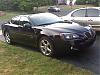


auxilary input for a gxp

I found these two, hopefully they will work. I am thinking of getting the one from crutchfield.
http://www.crutchfield.com/p_469GM12...v2.html?tp=422
http://cgi.ebay.com/Peripheral-iSimp...#ht_2823wt_939
http://www.crutchfield.com/p_469GM12...v2.html?tp=422
http://cgi.ebay.com/Peripheral-iSimp...#ht_2823wt_939

TECH Regular
Joined: Nov 2009
Posts: 446
Likes: 0
From: Farmington Hills, MI
If you just want an auxilary input and not an ipod interface, this is only $50:
http://www.pac-audio.com/productDeta...&CategoryID=24
You just select the XM band and flick the little switch (mine's in the little cubby under the heater controls) and voila, aux input. You'll have to buy your own RCA to 3.5mm adapter (amazon.com has them really cheap), but for $50 I wasn't complaining. pac-audio has a lot of cheap adapters for audio stuff.
http://www.pac-audio.com/productDeta...&CategoryID=24
You just select the XM band and flick the little switch (mine's in the little cubby under the heater controls) and voila, aux input. You'll have to buy your own RCA to 3.5mm adapter (amazon.com has them really cheap), but for $50 I wasn't complaining. pac-audio has a lot of cheap adapters for audio stuff.
Huh?
I have the NAV and Monsoon system. I do not have XM. I'm in the process of trying to add the factory XM.
I've been in contact with Ray Kawal and the GM PAL should work just fine in our GXPs with NAV and XM. He has fabricated a harnesses which makes it a simple plug and play process for connecting the PAL to the XM receiver.
It's the most OEM solution out there. Well, it is the OEM solution, lol
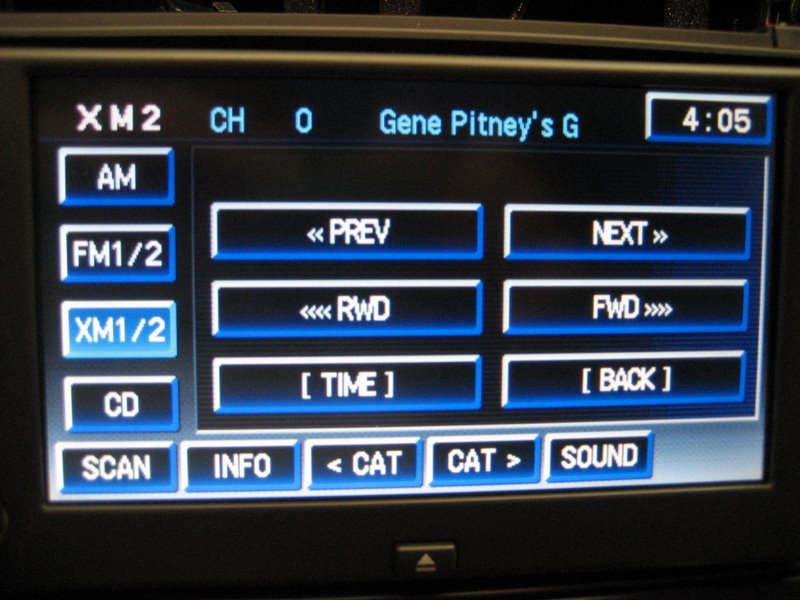
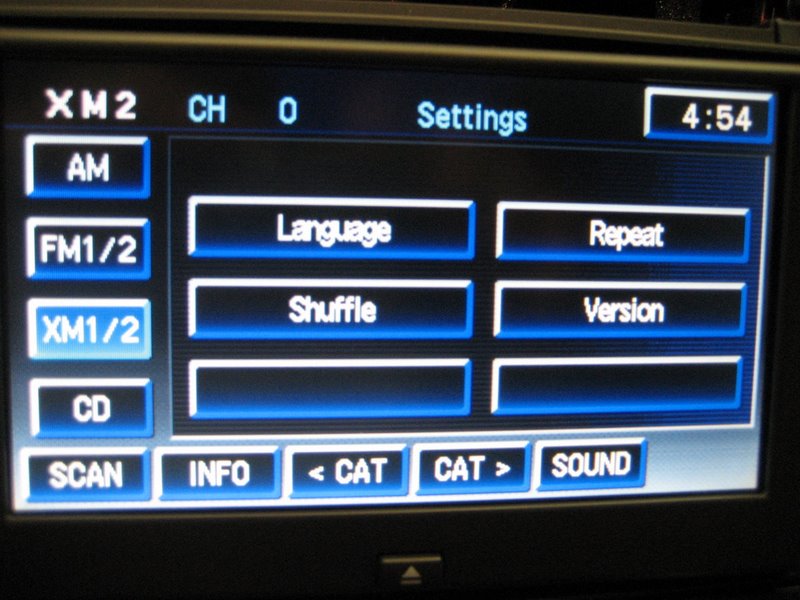
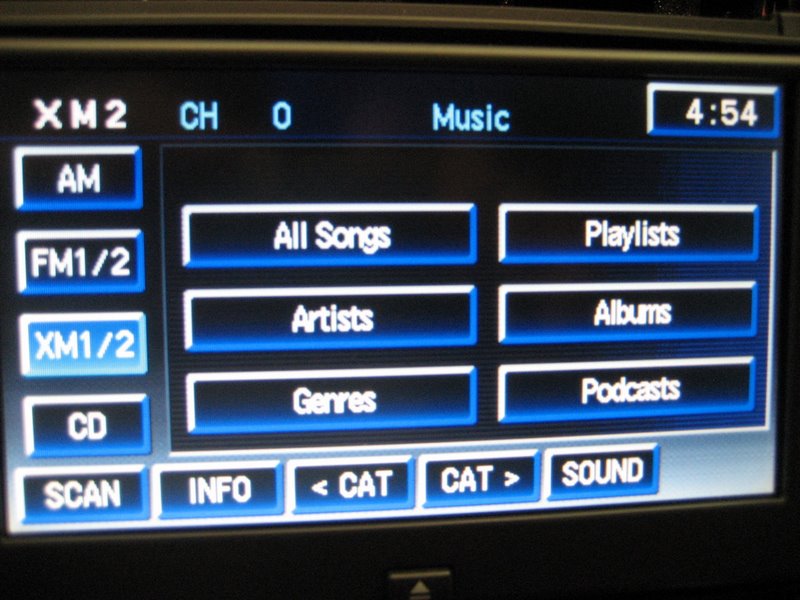
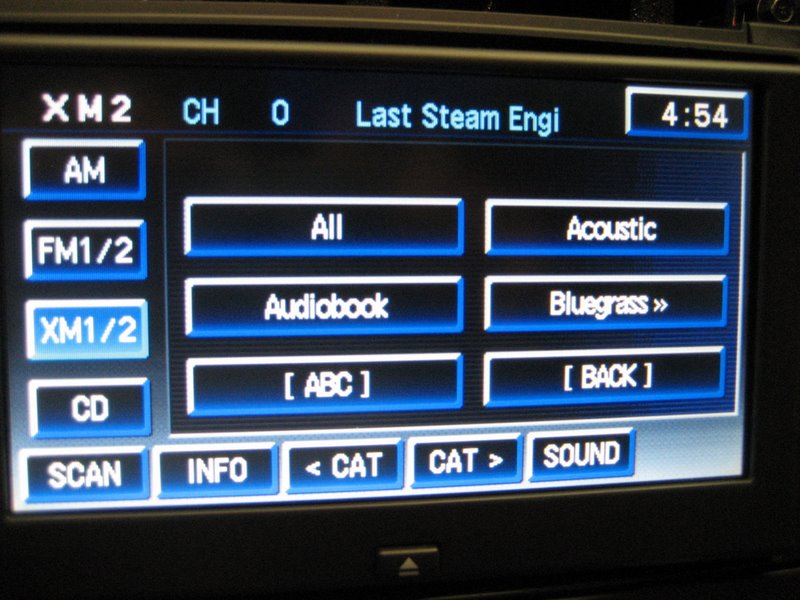
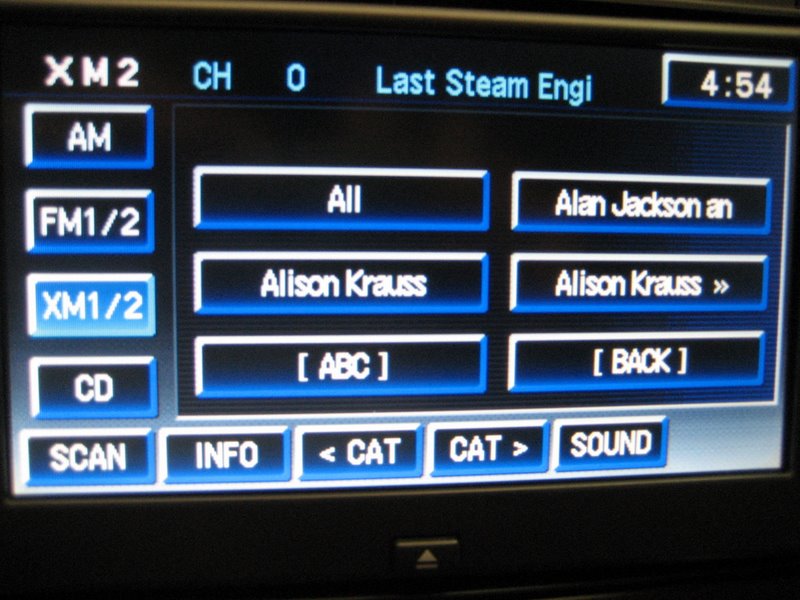
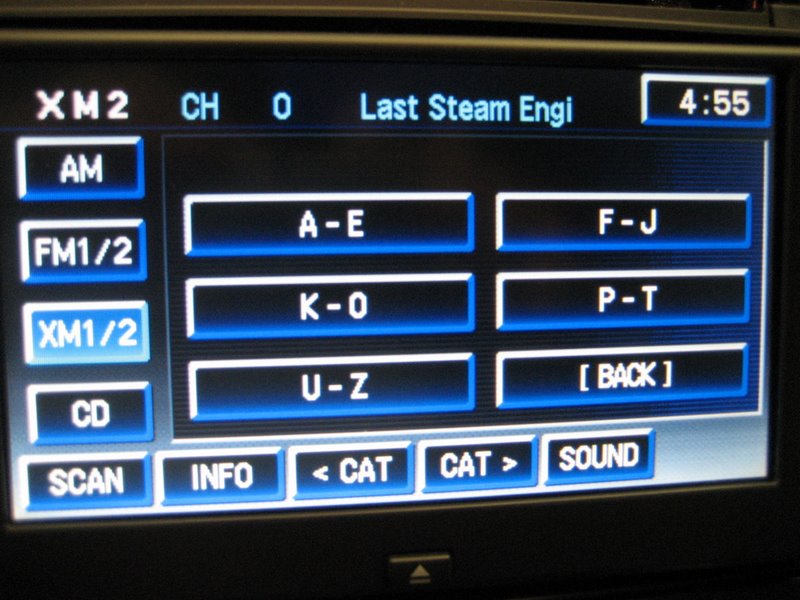
I have the NAV and Monsoon system. I do not have XM. I'm in the process of trying to add the factory XM.
I've been in contact with Ray Kawal and the GM PAL should work just fine in our GXPs with NAV and XM. He has fabricated a harnesses which makes it a simple plug and play process for connecting the PAL to the XM receiver.
It's the most OEM solution out there. Well, it is the OEM solution, lol
Trending Topics
TECH Regular
Joined: Nov 2009
Posts: 446
Likes: 0
From: Farmington Hills, MI
SM, no I don't. I have the in dash 6 cd changer Monsoon system and factory XM module. The device I listed requires a factory slave unit, which is what a factory XM module is (external cd changers are too). If you don't have XM, then you need this one which costs $100:
http://www.pac-audio.com/productDeta...&CategoryID=24
I don't have an ipod though, and if you want to control your ipod from the dash then using GM's PAL (what GXP25 put up) looks really good. If you don't have XM though (or some other external slave device), you'll need to get the PAL reprogrammed by a dealer according the that guy's FAQ.
http://www.pac-audio.com/productDeta...&CategoryID=24
I don't have an ipod though, and if you want to control your ipod from the dash then using GM's PAL (what GXP25 put up) looks really good. If you don't have XM though (or some other external slave device), you'll need to get the PAL reprogrammed by a dealer according the that guy's FAQ.
LS1 Tech Stories
The Best V8 Stories One Small Block at Time

Gas Monkey Built a 6-Wheel Ferrari Testarossa With a Corvette LT4 Engine
Verdad Gallardo
7 Most Reliable High-Performance Engines GM Has Ever Built
Verdad Gallardo
Amazing '71 Camaro Restomod Is Modern Muscle Car Under the Skin
Verdad Gallardo
6 Common C5 Corvette Failures and What's Involved In Repairing Them
Pouria Savadkouei
Retro Modern Bandit Pontiac Trans AM Comes With Burt Reynolds' Autograph
Verdad Gallardo
Top 10 Greatest Cadillac V Series Performance Models Ever, Ranked
Pouria Savadkouei
Top 10 Most Powerful Chevy Trucks Ever Made!

Hennessey's New Supercharged Silverado ZR2 Has 700 HP
Verdad Gallardo
Coachbuilt N2A Anteros Is an LS2-Powered C6 Corvette In Italian Clothes
Verdad Gallardo
Staging Lane
Joined: Oct 2009
Posts: 76
Likes: 0
I have an adapter I used on my factory set up before going aftermarket.
It includes adapter to factory unit,
Provides clear sound and also charger.
Not sure if it will work on your nav, but I don't see why not.
If your interested pm me, the adapter is just sitting around collecting dust.
-Jason
It includes adapter to factory unit,
Provides clear sound and also charger.
Not sure if it will work on your nav, but I don't see why not.
If your interested pm me, the adapter is just sitting around collecting dust.
-Jason

Launching!
Joined: Sep 2008
Posts: 238
Likes: 0
From: Canada
I unfortunately went the Best buy route and got there fm transmitter. I was very hesitant to get it. but a guy there had a grand prix with it installed and showed me how it worked. I got one installed the week after (140 bucks). It uses a fm transmitter but its clamped down onto your antennae and its never conflicted with any radio stations with no background noise at all. Only works for i pod though.
TECH Regular
Joined: Nov 2009
Posts: 446
Likes: 0
From: Farmington Hills, MI
TECH Regular
Joined: Nov 2009
Posts: 446
Likes: 0
From: Farmington Hills, MI
ya apparently no one knows how to help because i talked to both ray and someone ray directed me to and neither were any help. I guess i am going to have to buy a bunch of different ones. 
Now let's carefully examine the [top of the] PAL:
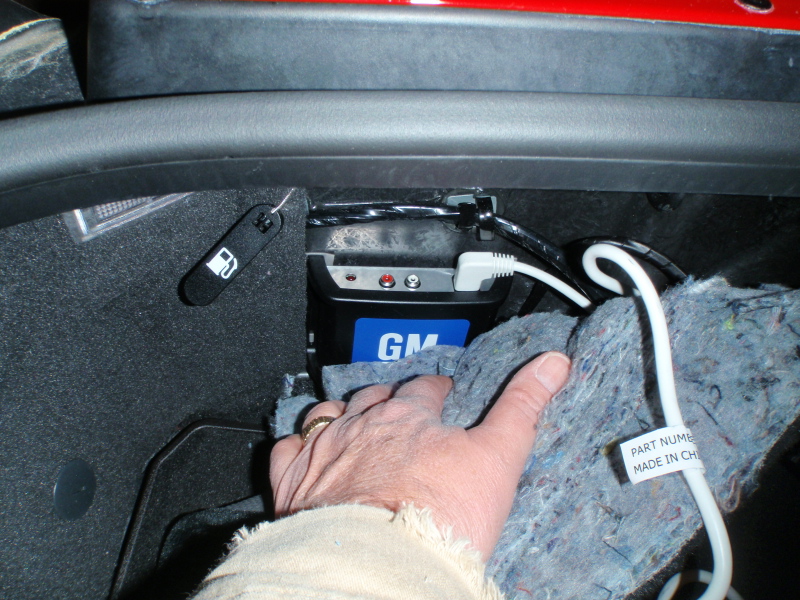
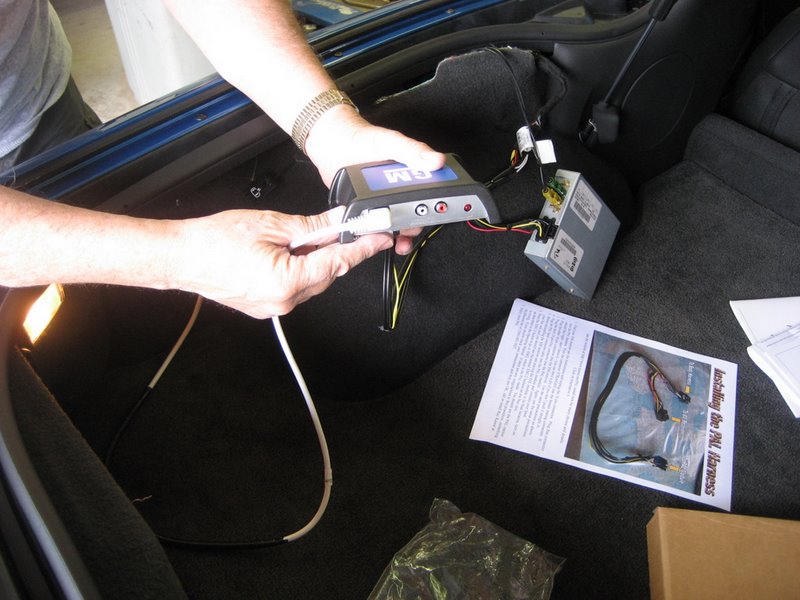
Notice anything familiar? Auxiliary inputs!
I'm going to make it easy: buy the GM PAL, buy Ray's harness, and then buy an RCA to 1/8th inch/3.5mm adapter.
Now in picture form (with hyperlinks!):
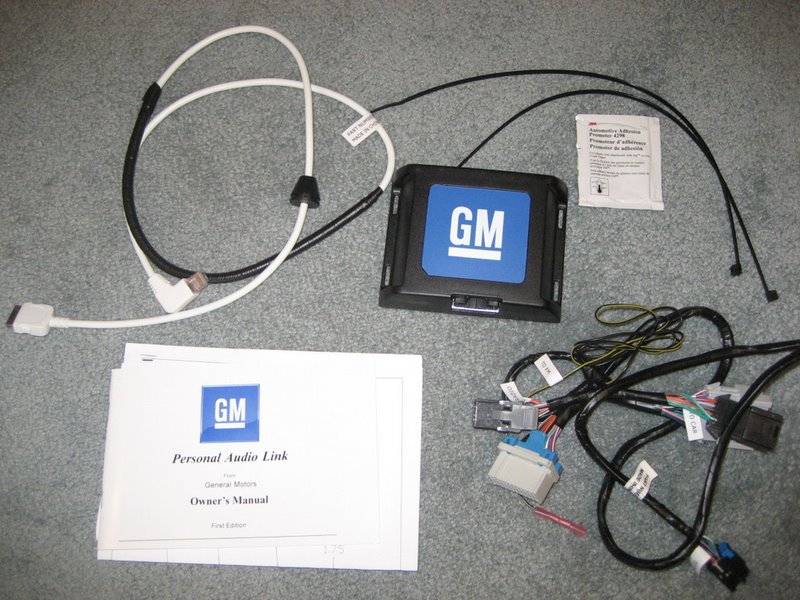
Buy the GM PAL (P/N: 17800593 - $137.59 from GM Parts Direct):
Buy Ray Kawal's harness (One plugs into the PAL, the other into the XM unit. The cable that was originally plugged into the XM unit plugs into the female connector at the Y end of the harness.):
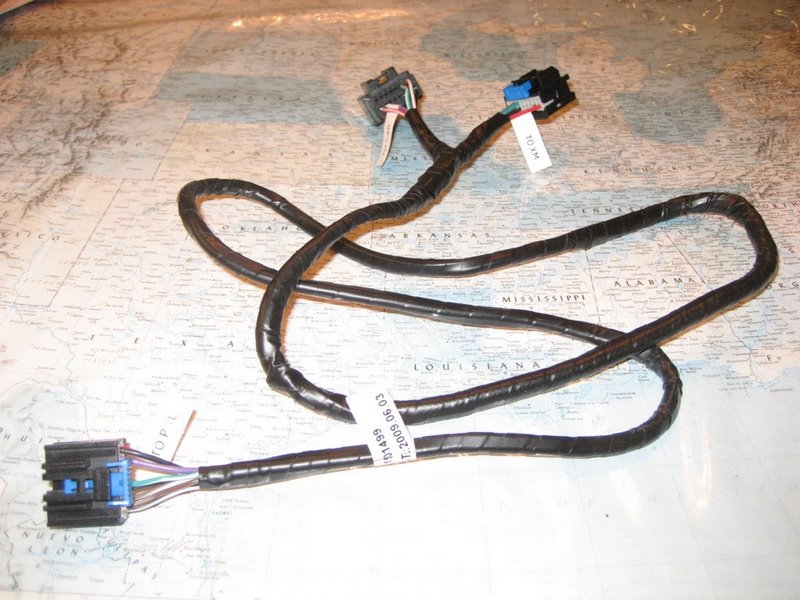
Lastly, buy an RCA to 1/8th inch/3.5mm Y-adapter, either male or female (you have four options on that page; 12ft male should be adequate):


It should be clear sailing from there. No dash or head unit removal.
The biggest headache might be finding a path for the cable to the center console.
Why wouldn't i have to remove the head unit? I don't have an xm receiver does that matter?
And thank you for holding my hand through this I am just being careful because i didn't want to deal with buying another aux unit and not being able to return it when it doesn't work. So this time i am doing research.
And thank you for holding my hand through this
I am just being careful because i didn't want to deal with buying another aux unit and not being able to return it when it doesn't work. So this time i am doing research. Why wouldn't i have to remove the head unit? I don't have an xm receiver does that matter?
And thank you for holding my hand through this I am just being careful because i didn't want to deal with buying another aux unit and not being able to return it when it doesn't work. So this time i am doing research.
And thank you for holding my hand through this
I am just being careful because i didn't want to deal with buying another aux unit and not being able to return it when it doesn't work. So this time i am doing research.You need the XM reciever (bought mine for $35 on car-part.com P/N: 10367164), receiver bracket ($23.34 from monsterpartsonline.com), cable ($23.77 from monsterpartsonline.com), and the antenna assembly.

I think we could use the existing antenna assembly. I just cannot figure out what cable is used (or which one is needed) to connect the XM receiver to the head unit/NAV.
The cable in the illustration does however look like it has a Y terminal to facilitate the merging of the head unit/NAV antenna connection with the receiver's.