







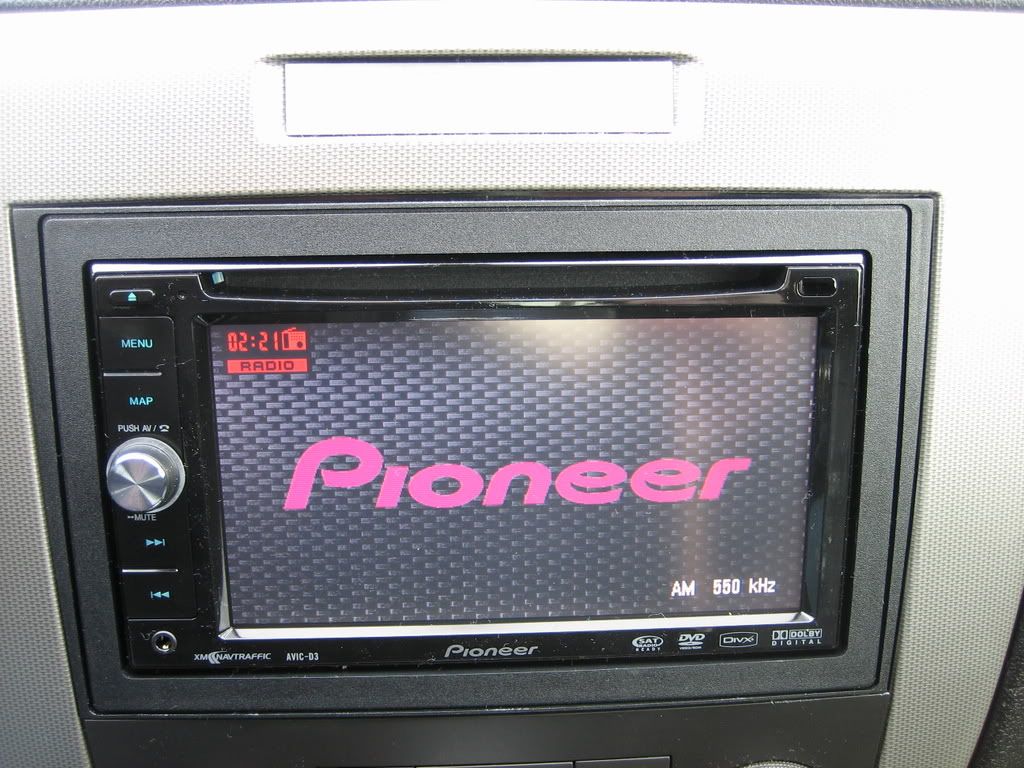
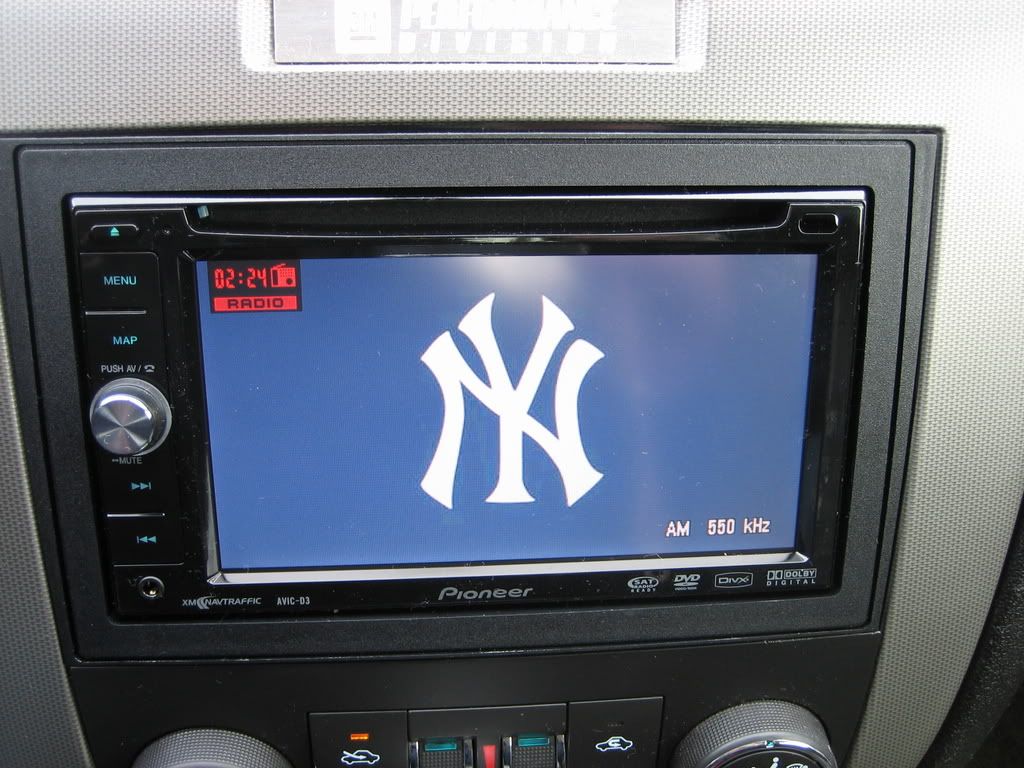
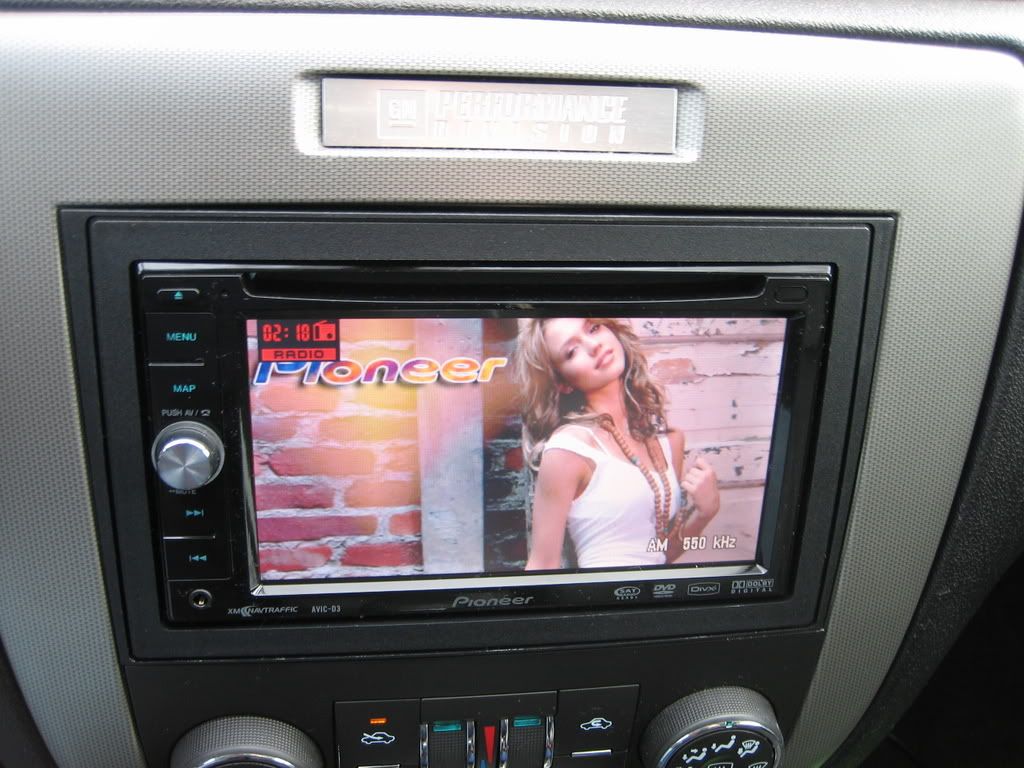
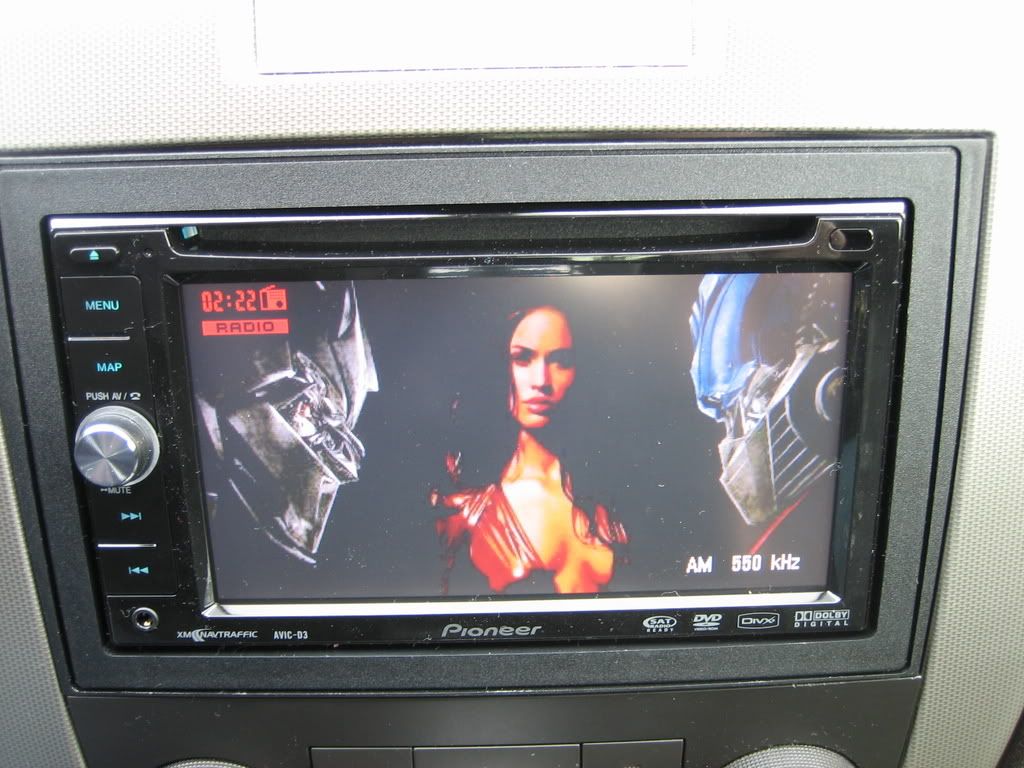
Installed AVIC-D3!
 Installed AVIC-D3!
 Spent some of the tax return on a nav/dvd unit. Got the nav, bluetooth, xm tuner, install kit, GMOS chime.onstar module, steering wheel controls, etc. for about $950 total. Installed the HU tonight, and will do the XM, BT, and SWC later in the week.
Until then...feel free to look over the 40+ pics in the following thread...page 2...or just gaze at the few below.
http://www.naioa.com/v2/modules.php?...er=asc&start=0
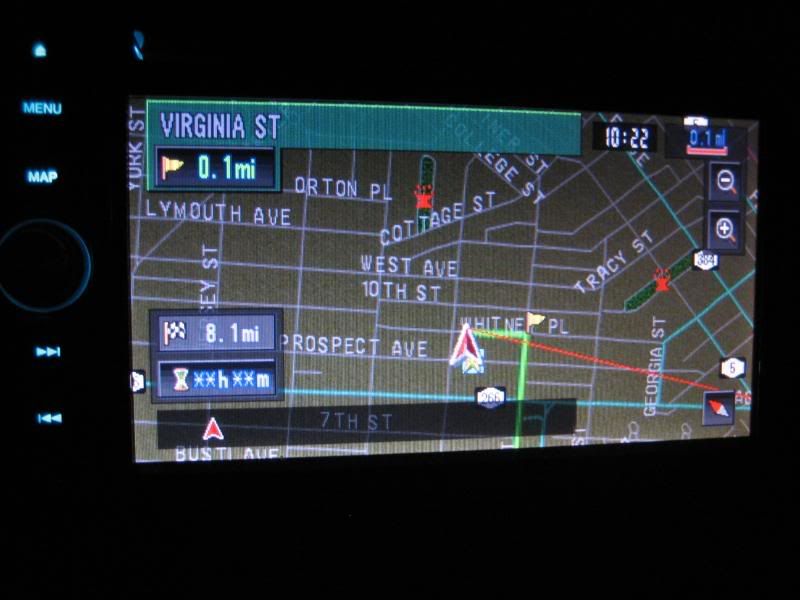
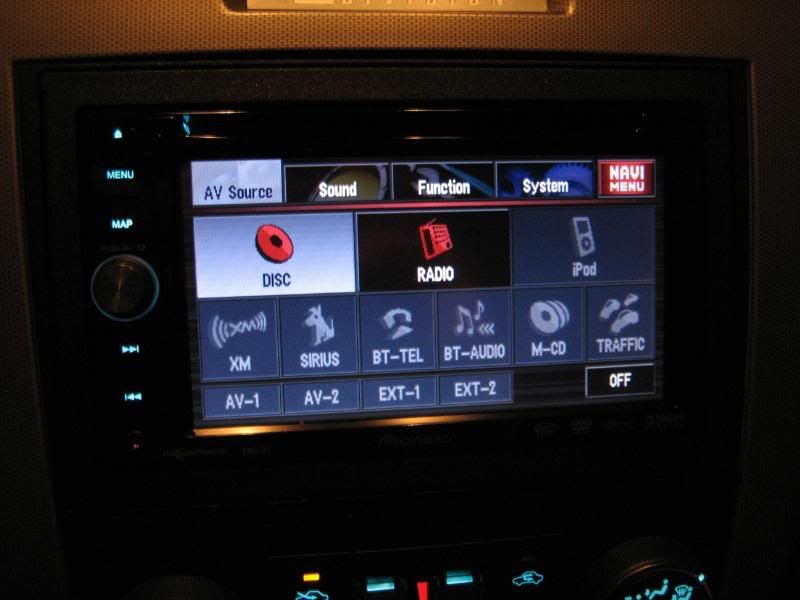
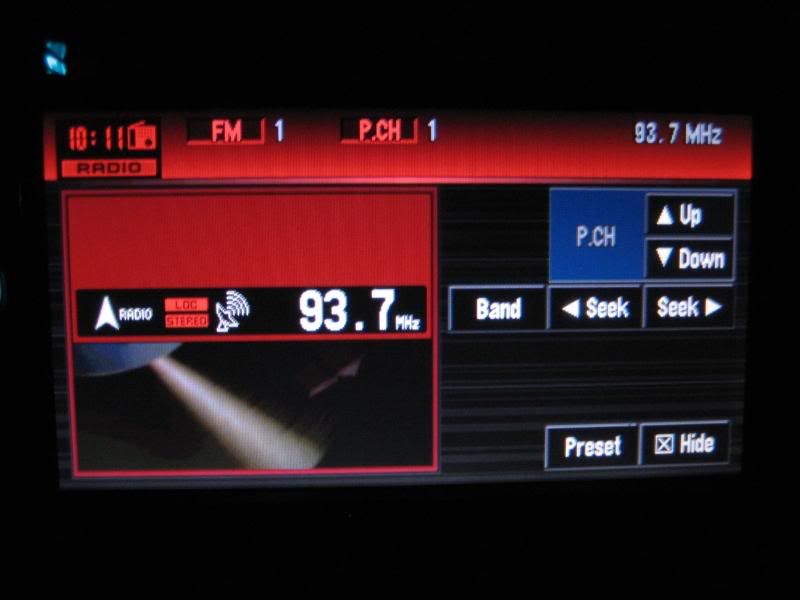
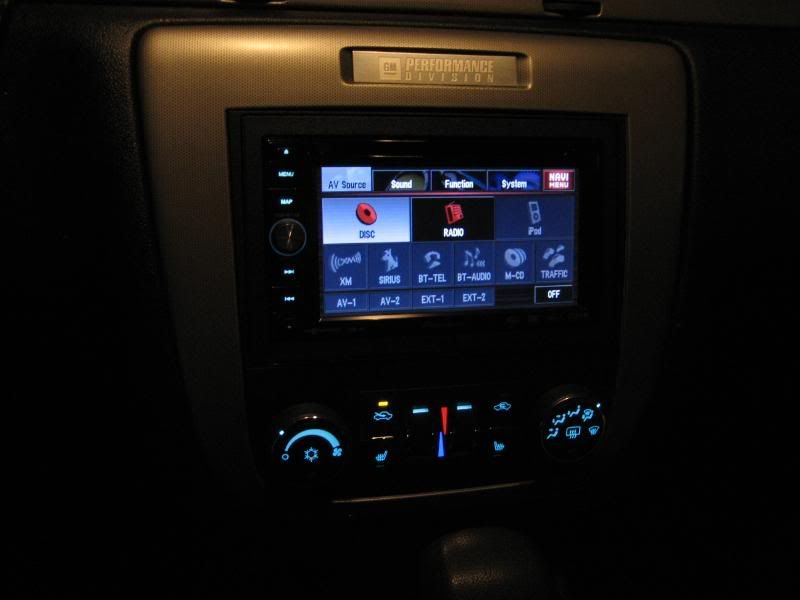
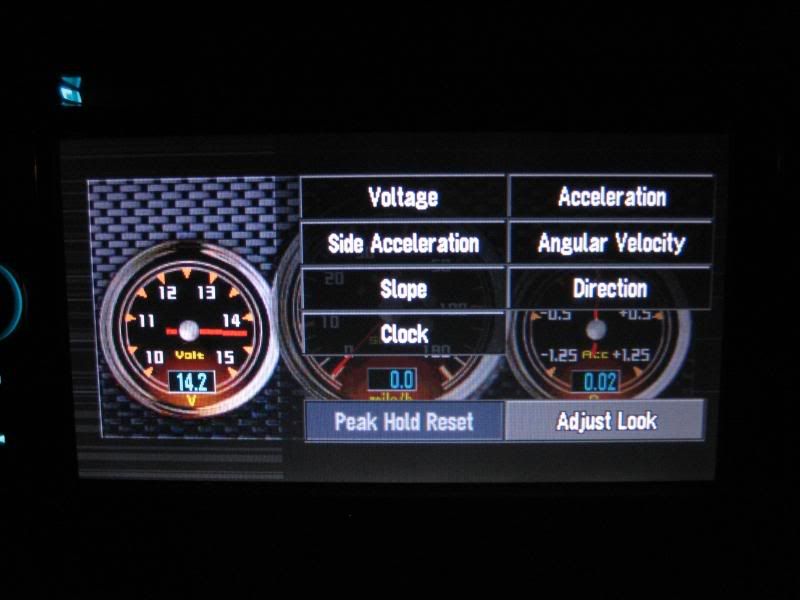
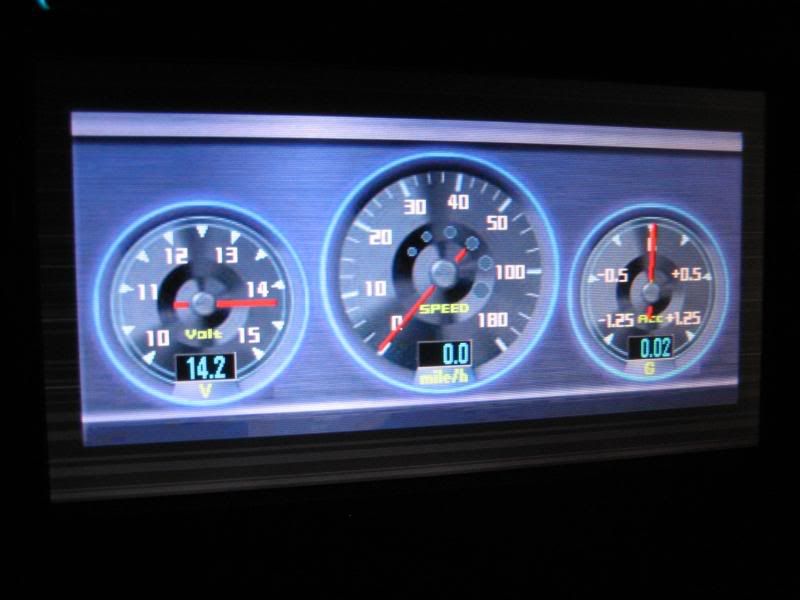
Until then...feel free to look over the 40+ pics in the following thread...page 2...or just gaze at the few below.
http://www.naioa.com/v2/modules.php?...er=asc&start=0
Not GM...it's a Pioneer AVIC-D3...the GM sucks *** compared to this, IMO. I bought the D3x package at Crutchfield for $800 (no tax, free shipping), which included the Bluetooth module (about $150 value), remote ($25), and iPod cable ($unk). With that cable, you can control your iPod on the touchscreen...same "dial" touch controls. I don't have an iPod though, but with this I may have to get one eventually. Pretty damn cool.
You also get from CF a Scosche mounting kit...which I don't like as much as the Metra kit i've seen...but you can't beat free ($20 value?)...and an antenna adapter (we have one WEIRD antenna hookup in the stock HU...$15?) Also, it came with a free (after $50 rebate) Terk XMDirect kit, but I heard some not-great things about it, so I'm returning it for my $50 back and buying a pioneer XM tuner.
However, $800 doesn't get you installed. Factor in a GMOS chime module, which keeps your onstar and door chimes/audible warnings. It retails at $120+, but through crutchfield I got it for 1/2 of their $130 price due to the HU purchase. They can be found on eBay for about $100. Even if you don't want OnStar and the door chimes/warnings, this kit eliminated the need to find and tap into the vehicle speed sensor wire on the ECM, and the reverse wire on the taillight. Saving the aggravation is worth the $65 imo.
I also needed to buy an XM tuner to replace the Terk unit...got one Refurb on eBay for $65. Also, to retain steering wheel controls you need a PAC SWxxxxxx wiring harness. That cost me another $50 on eBay (new). I should be receiving the XM & Steering wheel controls today, and hope to install it all this weekend.
Oh yeah, and by installing this myself, I saved another $150-200.
It has a downside, though. Unlike the AVIC-Z2 that emerson is talking about, this unit needs to read from a disc to develop routes. Once it's stored in memory, you can remove the map disc and play a dvd (if you do the bypass right) or an MP3 cd. If you change your destination, you need to reinsert the nav disc and reset your location. Not a big deal, IMO, but the much more expensive Z2 has a 30gb harddrive that stores all of the nav data so that you never need the disc again...and it has a bigger screen, too. Worth $400+ more? Not IMO.
The AVIC-D3 (not D3x), w/o BT, remote or iPod cable, can be purchased through www.JR.com for $779 minus a $200 MIR until 3/31/08. That's the cheapest place I've seen. Unfortunately, they're in NYC, so I was paying another $68 in taxes. By going through CF, i think I ultimately saved $100.
Anyway, that's my story and i'm stickin to it
You also get from CF a Scosche mounting kit...which I don't like as much as the Metra kit i've seen...but you can't beat free ($20 value?)...and an antenna adapter (we have one WEIRD antenna hookup in the stock HU...$15?) Also, it came with a free (after $50 rebate) Terk XMDirect kit, but I heard some not-great things about it, so I'm returning it for my $50 back and buying a pioneer XM tuner.
However, $800 doesn't get you installed. Factor in a GMOS chime module, which keeps your onstar and door chimes/audible warnings. It retails at $120+, but through crutchfield I got it for 1/2 of their $130 price due to the HU purchase. They can be found on eBay for about $100. Even if you don't want OnStar and the door chimes/warnings, this kit eliminated the need to find and tap into the vehicle speed sensor wire on the ECM, and the reverse wire on the taillight. Saving the aggravation is worth the $65 imo.
I also needed to buy an XM tuner to replace the Terk unit...got one Refurb on eBay for $65. Also, to retain steering wheel controls you need a PAC SWxxxxxx wiring harness. That cost me another $50 on eBay (new). I should be receiving the XM & Steering wheel controls today, and hope to install it all this weekend.
Oh yeah, and by installing this myself, I saved another $150-200.
It has a downside, though. Unlike the AVIC-Z2 that emerson is talking about, this unit needs to read from a disc to develop routes. Once it's stored in memory, you can remove the map disc and play a dvd (if you do the bypass right) or an MP3 cd. If you change your destination, you need to reinsert the nav disc and reset your location. Not a big deal, IMO, but the much more expensive Z2 has a 30gb harddrive that stores all of the nav data so that you never need the disc again...and it has a bigger screen, too. Worth $400+ more? Not IMO.
The AVIC-D3 (not D3x), w/o BT, remote or iPod cable, can be purchased through www.JR.com for $779 minus a $200 MIR until 3/31/08. That's the cheapest place I've seen. Unfortunately, they're in NYC, so I was paying another $68 in taxes. By going through CF, i think I ultimately saved $100.
Anyway, that's my story and i'm stickin to it
My brother bought the z2, and I kid you not, because he liked the screen more, he was not a fan of the ****...
lol
Well that and the disc changing thing... :-)
Still a nice headunit and you got a hell of a deal!
lol
Well that and the disc changing thing... :-)
Still a nice headunit and you got a hell of a deal!
Trending Topics
Yeah, it's a neat but relatively useless feature...kinda like the crap on the GXP DIC. I mean, do you really care about your G-meter? or your greatest ACCEL or DECEL? I don't. It's just something to have on the screen instead of the nav or plain FM.
Just got the XM tuner at work so I'll post up when I get it installed. The screen is better populated with the XM channel logos and song/title/station information.
Just got the XM tuner at work so I'll post up when I get it installed. The screen is better populated with the XM channel logos and song/title/station information.
LS1 Tech Stories
The Best V8 Stories One Small Block at Time

Topdon ONE vs. Artidiag 800 BT2: Which is the Diagnostic Tablet For You?
Pouria Savadkouei
Gas Monkey Built a 6-Wheel Ferrari Testarossa With a Corvette LT4 Engine
Verdad Gallardo
7 Most Reliable High-Performance Engines GM Has Ever Built
Verdad Gallardo
Amazing '71 Camaro Restomod Is Modern Muscle Car Under the Skin
Verdad Gallardo
6 Common C5 Corvette Failures and What's Involved In Repairing Them
Pouria Savadkouei
Retro Modern Bandit Pontiac Trans AM Comes With Burt Reynolds' Autograph
Verdad Gallardo
Top 10 Greatest Cadillac V Series Performance Models Ever, Ranked
Pouria Savadkouei
Top 10 Most Powerful Chevy Trucks Ever Made!

Hennessey's New Supercharged Silverado ZR2 Has 700 HP
Verdad Gallardo Did you upload a custom background and start up screen? My bro put up the GTO logo so it looks stock when it loads and then his background is the logo, a shot of the ls2, and some hot half naked chick.
I spent some time at www.avic411.com saving some of the backgrounds that others have developed...with a few including females...but those will have to be for guys night out. I'm sure the wifey doesn't want to see scantily clad women in my car...be it on the screen or for real. 
I'm working on a custom background of my own, though. In the mean time, I have a few Chevy logos that I'm going to slap up there to get rid of the ugly stock screen.
I'm working on a custom background of my own, though. In the mean time, I have a few Chevy logos that I'm going to slap up there to get rid of the ugly stock screen.

Thanks Rob. There are better units out there, but for this price, I don't think there is any one that has these features w/o paying a few hundred more. Kenwood makes a good unit, and Panasonic has a decent one.
Everyone bitches about having to R&R the disc when using the nav in the D3, but for as often as I'd need it (nav assistance)...if I'm going somewhere that I don't know...I'm not changing my mind in the middle...so the route is set and will stay there. What's nice, too (if I already didn't mention it) is that it will update the directions in the best way if you decide to take an alternate route...and it will do that w/o the disc, as it stores the main route and surrounding areas in memory so you can pop in a DVD (if P-brake bypass is done) or an MP3 cd and enjoy the ride.
I think the coolest feature is the iPod control on the screen...and I don't even have a damn iPod. (gonna have to steal my little bro's next time I'm there)
Everyone bitches about having to R&R the disc when using the nav in the D3, but for as often as I'd need it (nav assistance)...if I'm going somewhere that I don't know...I'm not changing my mind in the middle...so the route is set and will stay there. What's nice, too (if I already didn't mention it) is that it will update the directions in the best way if you decide to take an alternate route...and it will do that w/o the disc, as it stores the main route and surrounding areas in memory so you can pop in a DVD (if P-brake bypass is done) or an MP3 cd and enjoy the ride.
I think the coolest feature is the iPod control on the screen...and I don't even have a damn iPod. (gonna have to steal my little bro's next time I'm there)


Yeah, it does fit nicely, and much more secure than the kit I had in my old explorer. If I hit a bump, it would damn near fall out. With this, it's fastened to the bracket with 4-6 screws, and fastened to the dash with 4 more. It ain't goin nowhere. Now, I just need to find comparable security torx to make it a bit harder to get out should someone decide they want it more than I do 
I'll be receiving the steering wheel controls today, and already have the bluetooth and XM ready to go it. Just have to find the time and have the weather cooperate. it's single-digits out there and I don't like doing installs with the car (power) on. Having no XM for a couple days is tough...
I'll be receiving the steering wheel controls today, and already have the bluetooth and XM ready to go it. Just have to find the time and have the weather cooperate. it's single-digits out there and I don't like doing installs with the car (power) on. Having no XM for a couple days is tough...
Well, I got the XM and BT installed, but the SWC's have not yet arrived. I've been "makin it mine" over the last couple days...making sure I'm able to utilize all of the features.
I toyed with the BT module and now have my phonebook entries transferred into the BT memory. I've got (6) two-touch, on-screen dialing presets on the main screen, and some 40 or so more in the phonebook just a couple buttons away. As I may have mentioned previously, the voice-dial prompts don't work as pioneer says they should, but if you can touch a couple buttons on the screen, you don't need to pick up the phone at all. I get in the car and it automatically connects, and when I shut off the car, within 10s it's back to normal.
Also, I figured out how to play the mp3's from my phone via BT with on-screen controls. Pretty sweet. It was a PITA to get started, but now I've got it down. There is no on-screen song title/artist info, but you can pause, play, stop, FF/RW, and skip to the next and previous songs.
OK, some more pics:
All my sources (although I don't actually have XM NavTraffic, as it suggests):

AM Presets - as you can see I listen to a lot of WGR550 Sports radio

XM Presets:

XM Detail Display:

BlueTooth Handsfree screen:

BlueTooth Handsfree mic location:

BlueTooth Audio Screen shots:


I toyed with the BT module and now have my phonebook entries transferred into the BT memory. I've got (6) two-touch, on-screen dialing presets on the main screen, and some 40 or so more in the phonebook just a couple buttons away. As I may have mentioned previously, the voice-dial prompts don't work as pioneer says they should, but if you can touch a couple buttons on the screen, you don't need to pick up the phone at all. I get in the car and it automatically connects, and when I shut off the car, within 10s it's back to normal.
Also, I figured out how to play the mp3's from my phone via BT with on-screen controls. Pretty sweet. It was a PITA to get started, but now I've got it down. There is no on-screen song title/artist info, but you can pause, play, stop, FF/RW, and skip to the next and previous songs.
OK, some more pics:
All my sources (although I don't actually have XM NavTraffic, as it suggests):
AM Presets - as you can see I listen to a lot of WGR550 Sports radio
XM Presets:
XM Detail Display:
BlueTooth Handsfree screen:
BlueTooth Handsfree mic location:
BlueTooth Audio Screen shots: