When you click on links to various merchants on this site and make a purchase, this can result in this site earning a commission. Affiliate programs and affiliations include, but are not limited to, the eBay Partner Network.
The mx+ should arrive on friday. I am also messing with Pcm hammer, and it seems to like the snap-on passthrupro j2534 device. Used it to read the binary from a 2002 astro awd van. It was not a 0411 pcm, but it read it fine. Had to relearn the Passlock key, though. (10 min koeo method)
Pete, thanks for your efforts on this. About to pickup an interface to start using the software (obdlink mx), before I ordered was there any response from Blue Driver to use it as a programming interface for your software?
I know you mentioned that you had approached them earlier, as their tool does support J1850/VPW. If something was on the horizon I'd hold off buying the obd link, as I already own HP Tuners, Autoenginuity, Blue driver, etc.
Pete, thanks for your efforts on this. About to pickup an interface to start using the software (obdlink mx), before I ordered was there any response from Blue Driver to use it as a programming interface for your software?
I know you mentioned that you had approached them earlier, as their tool does support J1850/VPW. If something was on the horizon I'd hold off buying the obd link, as I already own HP Tuners, Autoenginuity, Blue driver, etc.
If you HAVE the Blue Driver interface you may as well load up the App and give it a try!
I tried it with my BAFX device and it does NOT work!
Turns out to have an ELM "clone" reporting as a v1.5 which of course was NEVER released by the ELM Electronics company.
Works fine with Torque Pro and a couple of others on my Dell Mini 9 Netbook running Windows 8.1 Pro from an external HDD (only has an 8GB INTERNAL SSD).
While this may sound like I'm posting in the wrong topic...I'm not.
The lack of 4x supported devices has been a thorn in my side for quite some time now. I did tinker with making the Allpro development board into BT last summer but the trouble and cost just didn't seem worth the speed increase.
A few weeks ago I started working on a joint project with Envious Customs to develop an affordable tool that would work at 1x, 4x and could support Bluetooth, WiFi or USB and also work with the PCM Hammer or Ls Droid. While there is very little left of the original code we both brought into this project we've finally got a design that we are happy with. We have been developing the tool with the PCM hammer for the sake of simplicity and the ease of working over USB....but don't worry it's going to be Android compatible before its done
It's going to take a fair bit of work to get my app working with the tool we've developed, and its going to take a good bit or work to to make the tool compatible with Android but it's nothing we can't get sorted out.
Now just so I'm clear the Obdlink device's will still be supported and are the ONLY devices that will work with the App when it's released. This is something that's going to be added into the app in the coming months after release and only after we have all the rough edges worked out on the hardware.
This has the potential to not only make LS Droid the most powerful flashing tool for the P01/P59 but it may also let it surpass the speed of commercial flash tools as well
Depending on where your from most of the Pick-a-Part yards like LKQ sell them pretty cheap. For singles I usually pay around 30-40 bucks depending on what yard I have to go to. You can find them in just about anything these days, trucks, vans hell even the S10 pickups lol. In the Pcm Hammer open source flashing topic a few posts from this one I've posted a table with what service number pcm and vehicle types you can find them in that's maybe 1-2 pages from the end of the thread right now.
Once you get the Mx+ do let me know either way what the outcome is since I've been wondering about it for a while now.
I have used the MX+ and used it with ls droid and pcm hammer. i did unlock my truck's pcm with ls droid but do not know where the file bin is saved at with samsung phone and android 6.0.1. I used pcm hammer to flash a 2001 truck file P01 with no vats on my bench harness. it flashed fine but I have not tried it in a truck yet. i paid $45 for the pcm. the guy at the junkyard pulled it for me. the mx+ says it is elm 1.3a . i was dissapointed that it does not have elm 2.1 because 2.1 has a bigger block memory from my understanding. elm 1.3 is only capable from running in 1X mode vs 4X mode with elm 2.1 if i am correct, maybe others would know.
I have used the MX+ and used it with ls droid and pcm hammer. i did unlock my truck's pcm with ls droid but do not know where the file bin is saved at with samsung phone and android 6.0.1. I used pcm hammer to flash a 2001 truck file P01 with no vats on my bench harness. it flashed fine but I have not tried it in a truck yet. i paid $45 for the pcm. the guy at the junkyard pulled it for me. the mx+ says it is elm 1.3a . i was dissapointed that it does not have elm 2.1 because 2.1 has a bigger block memory from my understanding. elm 1.3 is only capable from running in 1X mode vs 4X mode with elm 2.1 if i am correct, maybe others would know.
The Elm version in the Obdlink devices has nothing to do with the memory block. The Obdlink Lx can do almost 3K blocks but it doesn't use Elm commands. Obdlink has been developing their own command structure that they will eventually end up using as the "primary" commands. The only reason they use Elm commands if for compatibility with existing apps like Torq.
The extended commands I use in Ls Droid are not even published commands and I was the first person who's ever been able to max the commands out. I found a number of bugs with them that they took care of last year in a firmware release and since then they have been rock solid.
So pay no attention to what Elm version it reports. It's meaning less. The ST commands are far superior to anything the Elm commands ever offered.
Have a OBDLINK LX running on my bench harness. Ivam using the apps linked in the beginning of the thread. I tried to read the pcm and it gets to almost 98% and then stops. I also tried to write the serial # and it wont take. I tried 30 sec off just ign power and then 30 sec on then off again and its still not working. Did i miss a step?
While this may sound like I'm posting in the wrong topic...I'm not.
The lack of 4x supported devices has been a thorn in my side for quite some time now. I did tinker with making the Allpro development board into BT last summer but the trouble and cost just didn't seem worth the speed increase.
A few weeks ago I started working on a joint project with Envious Customs to develop an affordable tool that would work at 1x, 4x and could support Bluetooth, WiFi or USB and also work with the PCM Hammer or Ls Droid. While there is very little left of the original code we both brought into this project we've finally got a design that we are happy with. We have been developing the tool with the PCM hammer for the sake of simplicity and the ease of working over USB....but don't worry it's going to be Android compatible before its done
It's going to take a fair bit of work to get my app working with the tool we've developed, and its going to take a good bit or work to to make the tool compatible with Android but it's nothing we can't get sorted out.
Now just so I'm clear the Obdlink device's will still be supported and are the ONLY devices that will work with the App when it's released. This is something that's going to be added into the app in the coming months after release and only after we have all the rough edges worked out on the hardware.
This has the potential to not only make LS Droid the most powerful flashing tool for the P01/P59 but it may also let it surpass the speed of commercial flash tools as well
Are you ready/willing to share some details of the project?
Such as WHAT the processor is that you are using - i.e. AVR, PIC etc.
I, for one, look forward to the completed product.
Mike
Have a OBDLINK LX running on my bench harness. Ivam using the apps linked in the beginning of the thread. I tried to read the pcm and it gets to almost 98% and then stops. I also tried to write the serial # and it wont take. I tried 30 sec off just ign power and then 30 sec on then off again and its still not working. Did i miss a step?
Thanks to changes in the Android API it broke part of the app on some phones/tablets.
You will need to create 2 folders by hand in the main storage area of the phone(not sd card).
1) "Ls_Log" both L's need to be in caps and it must have the underscore between the words.
2) "Ls_Error"
The app can not gain the necessary permissions from Anddroid not to create the folders.
Are you ready/willing to share some details of the project?
Such as WHAT the processor is that you are using - i.e. AVR, PIC etc.
I, for one, look forward to the completed product.
Mike
Currently running on an Arm Cortex processor and seems to be the best fit for what we are doing so far.
So it would be similar to the processor in the AllPro AND the Macchina M2?
Any possibility of making it run on an actual Arduino DUE?
Mike
It's more then 4x faster then the Allpro processor and has about 8x as much ram
Due is similar but has a lot more overhead to deal with and brings nothing the table the Arm processor were using doesn't have already.
The tool we are developing isn't going to be something that's open source, at least not right now. It's to fill a gap in devices that work over Bluetooth and are more capable then your average BT dongle could ever dream of being.
Well, the MX+ seems to be working for me....that is, I haven't tested it on a 0411 pcm yet, but on a 2002 cadillac pcm that appeared bricked, it kicked it in the side of the head and got it talking to me. I used GM's software to flash an update into it, and it lives! I am still setup for read only on ls droid. What "bricked" the PCM was the old northstar engine's ground lead from the body to the alternator has ripped in two from a bad motor mount, and spiked everything. I had performed a few hard resets before giving up and replacing the PCM for a customer. LS droid threw a fit, and crashed, but it still worked. I still keep doubting myself on how long I should have held the battery cables together during the hard reset. I had tried to communicate with it using 3 different scan tools before attempting all this, just to make sure it was bricked.
I'm looking for a few volunteers that would be interested in trying out a "Pre Release" version of LS Droid Flash.
What you would need.....
1)Android Phone or Tablet running Android 6.0 or newer
2)Obdlink Lx or Mx BT dongle (Mx+ untested but may work)
3)P01 or P59 pcm that is NOT for your daily driver
If you can meet the 3 requirements above then send me a PM.
This is NOT a release ready version, this is to verify compatibility across a broad range of devices before moving to a public release beta version. That means I will expect feed from anyone testing it.
Testing this is not with out risks, I just want to make that clear. While no one has had the app fail and damage a PCM(Using a valid .bin file) that's not to say it isn't possible.
If your one of the people who has already been testing Ls Droid flash the current version is 6.1.1 and there have been some significant changes made to the app since version 6.0.1 so I would suggest you message me for an updated version of the app.
Well, the MX+ seems to be working for me....that is, I haven't tested it on a 0411 pcm yet, but on a 2002 cadillac pcm that appeared bricked, it kicked it in the side of the head and got it talking to me. I used GM's software to flash an update into it, and it lives! I am still setup for read only on ls droid. What "bricked" the PCM was the old northstar engine's ground lead from the body to the alternator has ripped in two from a bad motor mount, and spiked everything. I had performed a few hard resets before giving up and replacing the PCM for a customer. LS droid threw a fit, and crashed, but it still worked. I still keep doubting myself on how long I should have held the battery cables together during the hard reset. I had tried to communicate with it using 3 different scan tools before attempting all this, just to make sure it was bricked.
The pcm most likely had corrupted one or more sections of the calibration file and was preventing the Pcm from "Booting" due to a bad checksum in what ever segment was damaged.It may also be that the data in the pcm's RAM was not loaded back into the flash chip correctly and the next time it tried to boot there was still garbage in the ram that the pcm didn't know how to deal with.
In either case a "Hard Rest" isn't going to do anything for it. The "theory" behind the hard reset is to deplete ALL the power from the PCM. The internal capacitors can take quite a while in some cases to fully discharge and until there is ZERO voltage left in circuits to the flash chip and cpu they may not fully shut down. Thus you accelerate the process by shorting the cables and forcing the cap's to fully discharged instantly rather then waiting some unknown amount of time for them to deplete all the voltage they are storing on their own. If you have bad data in the pcm's ram or a damaged section of code on the flash chip it's not going to be able to boot in most situations.
This is AMAZING!! I can only imagine the possibilities this is going to open up for people! I already have a commercial tuning software but asking friends for the 125.00 it cost to licence just to delete VATS for a LS or older 4.3/5.7 Vortech swap into a trail rig just doesn't seem right. Let alone taking my V2 full of previous licensed PCMs to the trail to work on driveabilty is an accident waiting to happen. Many thanks to Pete and the team of people working on these apps!
DO NOT take SELFIES while flashing!
I have been testing both the read and the write app this evening and managed to FAIL an OS flash. So far I have not been able to recover the PCM using the app.
I am using an LG G5 running Android 7.0
I found a few bugs in the read app:
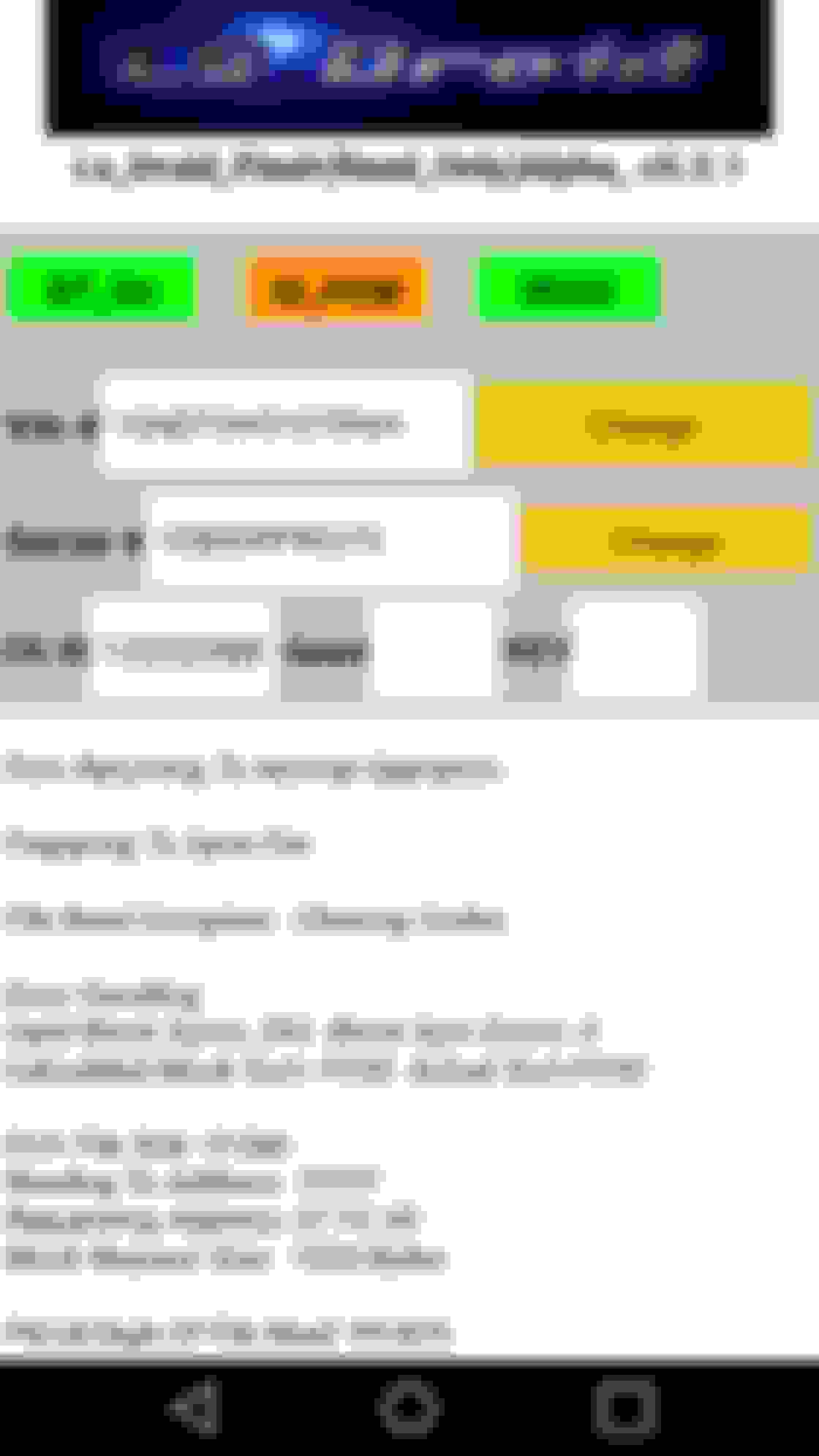
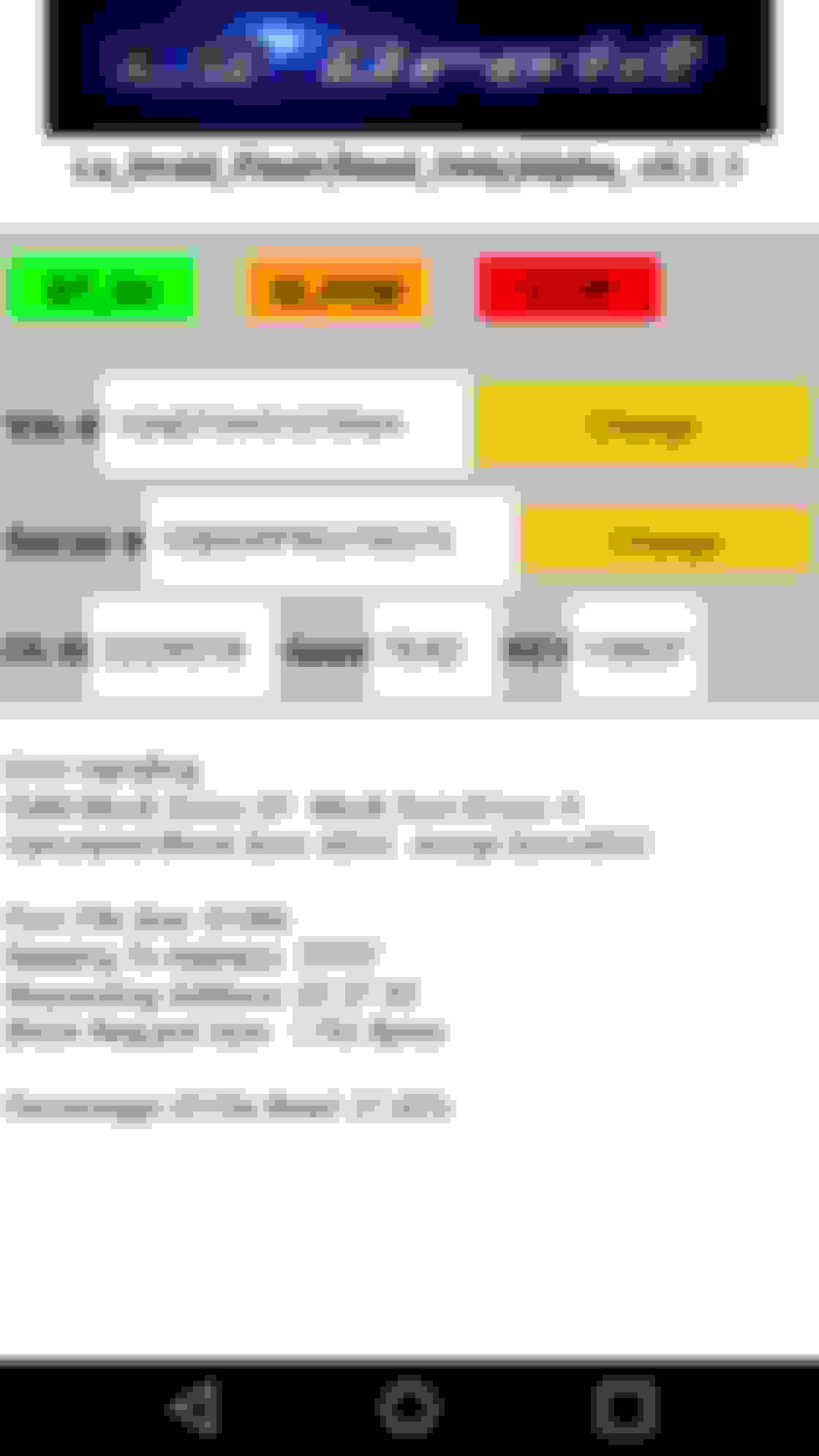
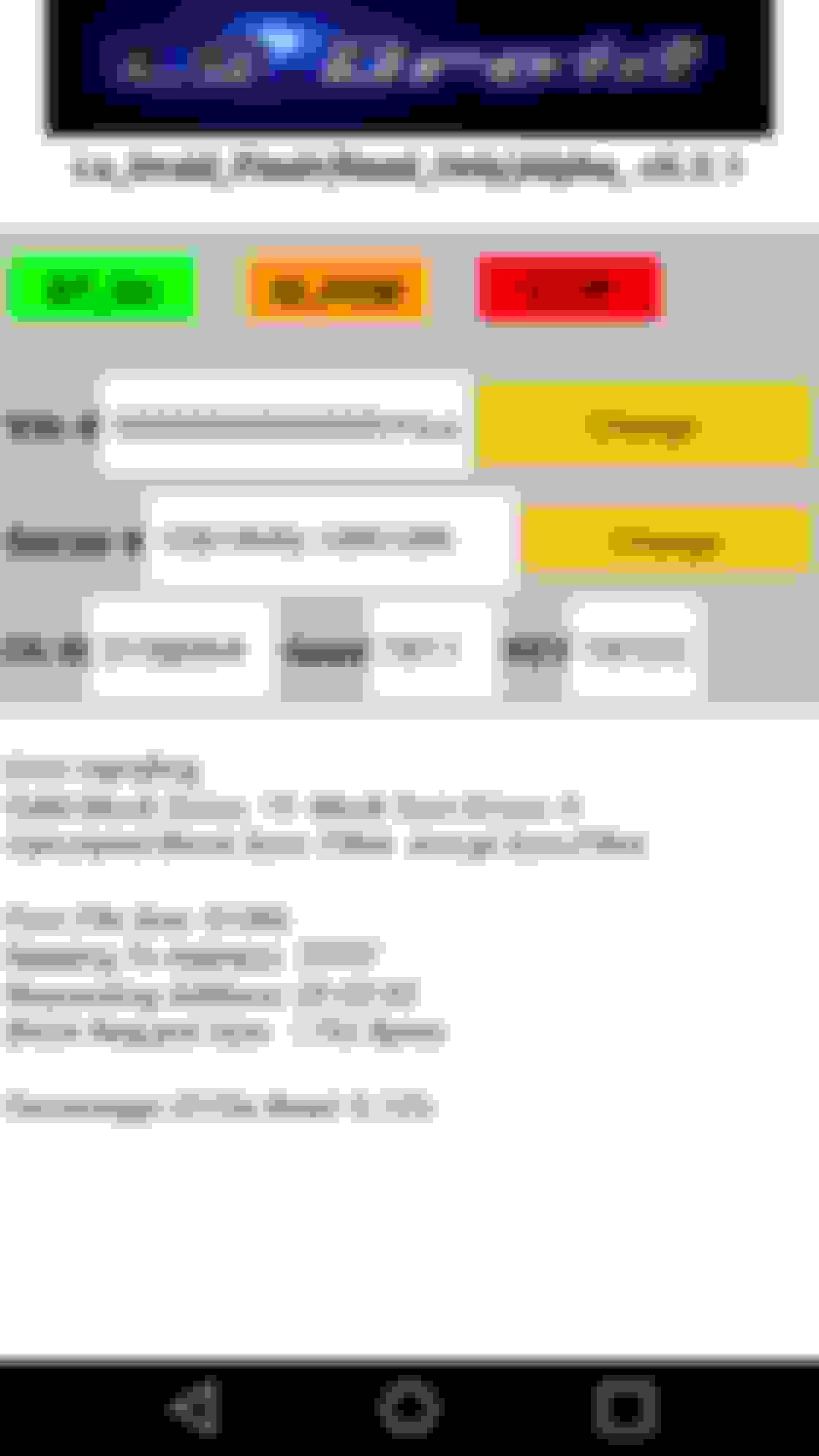
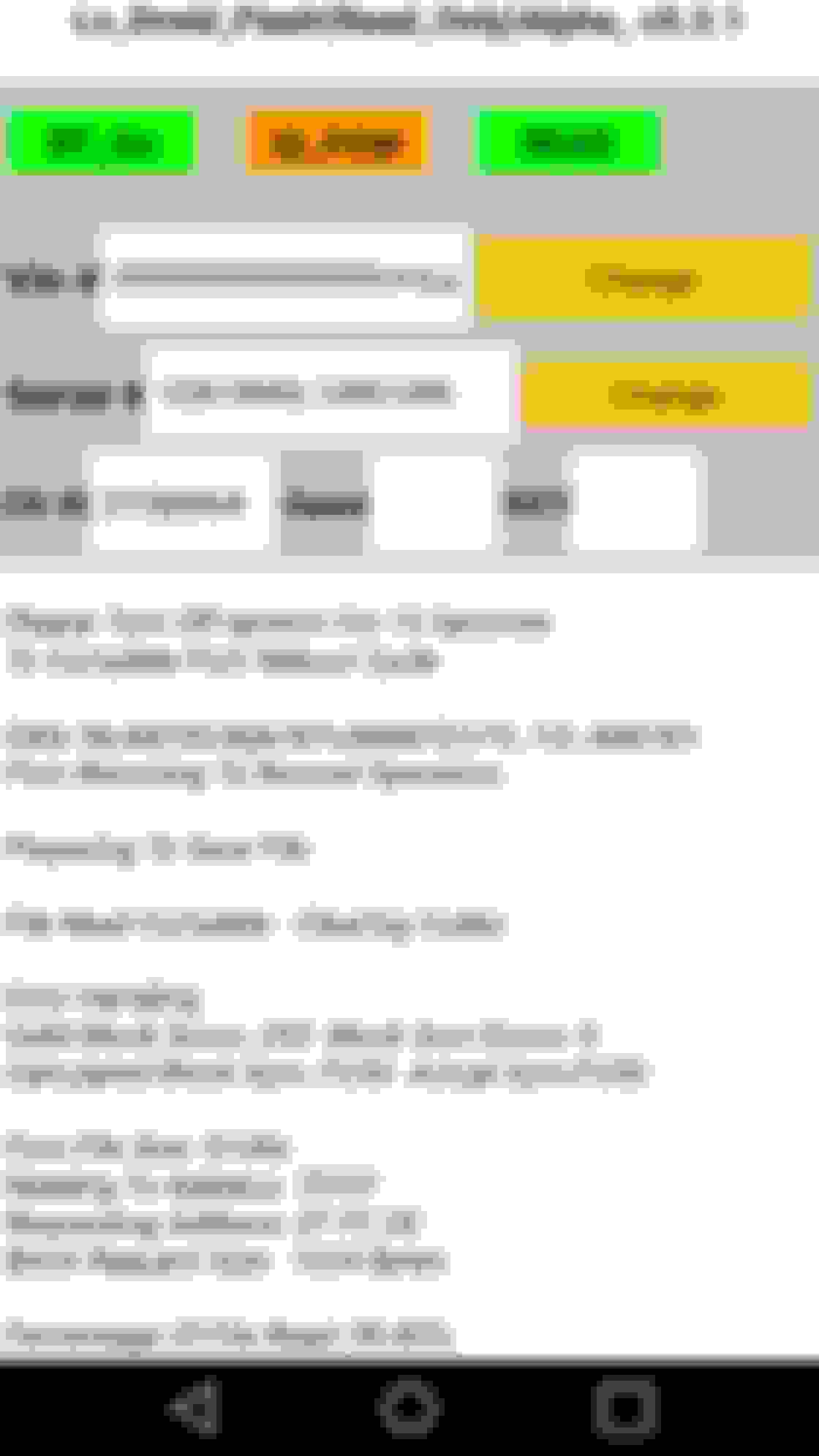
OS ID is correct before a read and then displays something completely different after a read
VIN number is missing digits before the read
SERIAL# is also missing digits before a read
On my 411 swapped 97 S-10 I left the last four digits 0000 when I last tuned it because I didn't catch in the file I last used to make the PCM run the vortec 4.3. This caused the APP to show all 0s
* I was attempting to OS flash my .bin from the S-10 into a spare 0411. I took a picture during the OS flash and seconds later the blinky lights on the MX quit blinking. My phone takes multiple quick shots if you hold down on the screen, I am almost certain this is why it failed the OS flash.
I successfully CAL flashed the spare PCM using the .bin I previously read from it (the spare). I took a single picture with the phone during the flash and surfed the internet with no issue during this flash. It continued to work just fine running in the background.
This was taken with my phones camera while doing a CAL flash, and the flash was successful! This was where things went wrong, I accidentally took multiple rapid photos and noticed the activity lights quit blinking a couple seconds after...... This is obviously in the read only app, notice the OS ID and the serial# change after the read. The VIN is missing digits as well. This is the file I read from my daily driver, the last four digits in my VIN are 0000 due to me forgetting to change them when I wrote the tune with EFI. This remained on my screen until I closed the app.
Well after spending an hour uploading and writing my last post, I have now successfully recovered the PCM using the APP.
Things I tried:
I first tried to just re OS flash the PCM no dice
I turned off the the pin 19 power for 30 seconds then attempted again. nada
I unplugged my power source and shorted between GND and both +12V tried OS flash. still nothin
The successful attempt still had power on pin 20 (19 was switched off) during the hour I waited to try again, the only thing I did different was try to Clone from .bin and and it was able to communicate and recover.
Gas Monkey Built a 6-Wheel Ferrari Testarossa With a Corvette LT4 Engine
Slideshow: The controversial Ferrari F6 swaps its original flat-12 for a Corvette Z06-derived LT4 V8 and sends power to four rear wheels through a custom-built drivetrain.
7 Most Reliable High-Performance Engines GM Has Ever Built
Slideshow:These GM engines didn't just make huge power, they survived abuse, boost, track days, and six-digit mileage with a reputation for refusing to quit.
6 Common C5 Corvette Failures and What's Involved In Repairing Them
Slideshow: From wobbling harmonic balancers to failed EBCMs, these are the issues that define long-term C5 ownership and what repairs typically involve.
Retro Modern Bandit Pontiac Trans AM Comes With Burt Reynolds' Autograph
Slideshow: A modern Camaro transformed into a retro icon, this limited-run "Bandit" build blends nostalgia with brute force in a way few revivals manage.
Top 10 Greatest Cadillac V Series Performance Models Ever, Ranked
Slideshow: Cadillac didn't just crash the high-performance luxury vehicle party, it showed up loud, supercharged, and occasionally a little unhinged...
Coachbuilt N2A Anteros Is an LS2-Powered C6 Corvette In Italian Clothes
Slideshow: A one-off sports car that looks like a vintage Italian exotic-but hides a C6 Corvette underneath-just sold for the price of a new mid-engine Corvette.